
Clim8® Advanced Gloves
User manual
Last updated on October 9, 2026
Quick Start Guide
In the Box
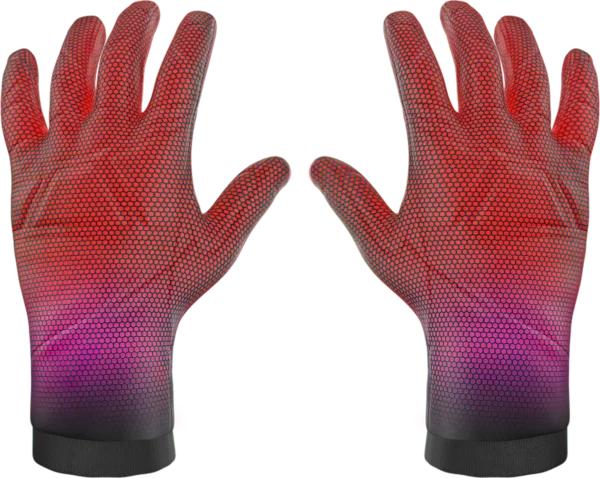
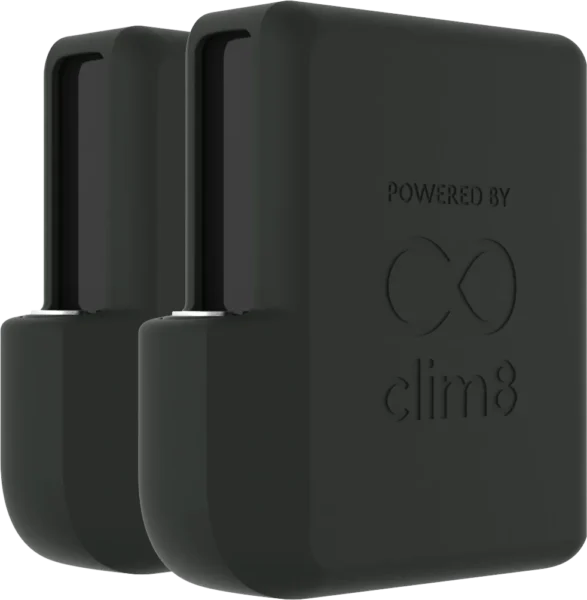
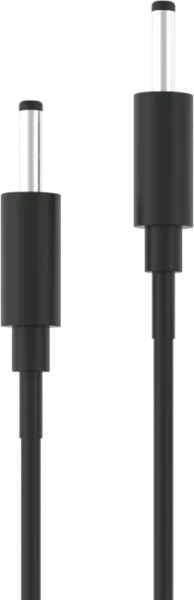
First Use
-
Charge Batteries to 100%
Plug the Clim8® wall charger or the USB-C charging cable to the batteries.

Charging 
Charged For products supplied with a Clim8® USB-C charging cable, a USB-C Power Delivery adapter (delivering min. 30W per port) is required.
-
Connect Batteries
Plug batteries BEFORE putting on gloves for auto-detection.
-
Insert Your Hands
You're ready to go! The Clim8® technology detects your hands and automatically starts regulating the heat based on your selected mode.
The Clim8® regulation will automatically turn the heating on and off to maintain your desired comfort temperature.
Heating Modes
Simply press the Clim8® module once to switch from one heating mode to another. Each mode automatically regulates heating to a specific level, just like a thermostat:
Eco
Comfort
Boost
The Comfort mode target temperature can be calibrated to suit your needs. While calibrating, the module LED fades in and out. When calibration finishes, the LED blinks three times. See how to calibrate Comfort mode.
Auto-Detection
Hand in: Clim8® turns on and regulates heating automatically.
Hand out: Clim8® goes to Sleep mode, consuming almost no battery power.
To prevent accidental activation (like when the product is folded in a backpack), turn off the Clim8® technology by disconnecting the battery.
Manual Mode
You can manually turn on and off your gloves by pressing the Clim8® module for 2 seconds.
Manually turning on the gloves disables auto-detection. You must switch them off manually, or they will enter Sleep mode after a period of inactivity.
Battery Level
Double-click the Clim8® module to check the battery level:
Flashing: <1%
<30%
30% to 60%
>60%
When the battery drops below 1%, the module flashes white for 60 seconds to signal a low battery. Double-click again to check the battery level and repeat the signal.
Care & Safety
Cleaning
CAUTION! Most gloves with Clim8® technology inside are NOT machine-washable. Please always follow the washing instructions on the product's care label.
Before cleaning, remove the battery and put the cap on the connector.
Make sure the product and the connectors are dry before connecting the batteries.
Batteries should never be immersed.
Storage
When not in use, store as follows.
When storing the appliance, allow it to cool down before folding. Do not crease the appliance by placing items on top of it during storage.
For long-term storage, disconnect the battery from the product. Please keep the product in a dry place.
To prevent battery degradation and extend lifespan, store batteries at around 50% charge and recharge them every 3–6 months when not in use.
Troubleshooting
Batteries are not charging
If the LED on the Clim8® USB-C charging cable turns green right after you plug in the batteries, it means your power adapter is not compatible (see First Use section).
Module LED flashes red rapidly
Please try to disconnect and reconnect the battery. If the problem persists, please contact the product brand or your place of purchase.